
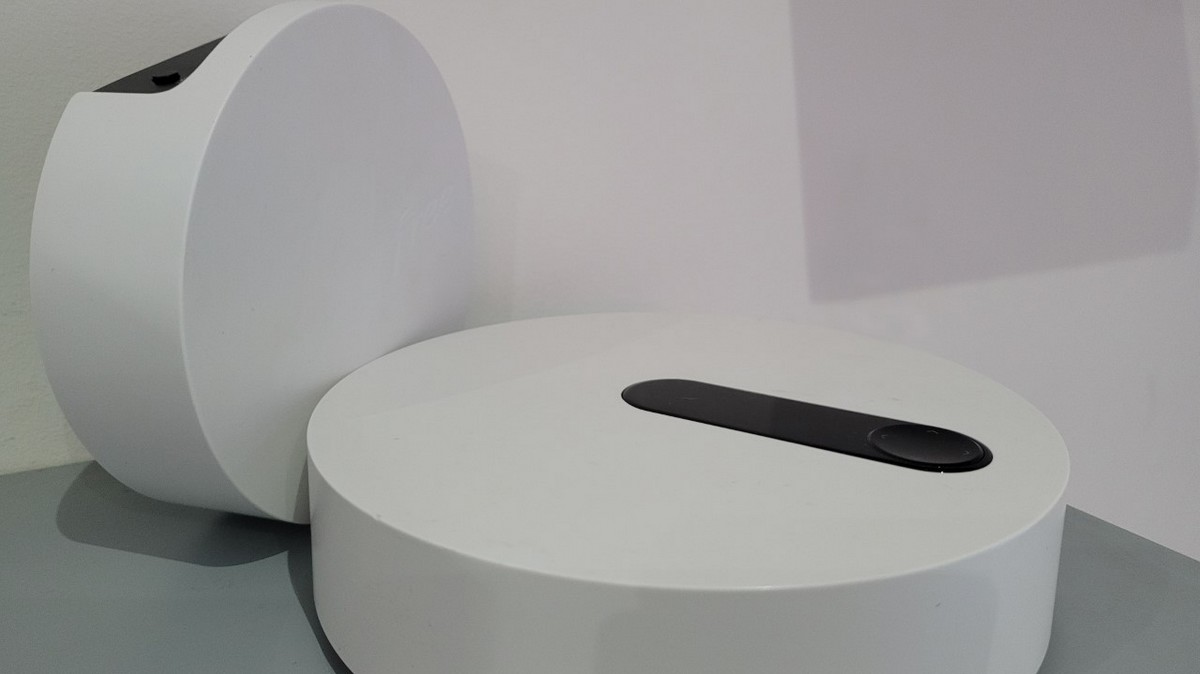
Google offers a virtual remote control application for Android TV devices, including Freebox Pop and Mini 4K players. Owner’s short tour to discover the interface and functions.
A virtual remote control app may come in handy when you can’t catch the remote, if the remote breaks, or when the batteries run out over the weekend. Virtual keyboard entry with the touch of a smartphone proves to be easier than the Freebox remote control. Some people can also naturally use a smartphone as a device that they hold close to their hand throughout the day.
Remote controls of this type are also available for devices running on Android TV, such as Freebox Pop and Freebox Mini 4K Players. Google owns it, called Android TV Remote Control and is available on Android and iOS smartphones. We invite you to discover its interface and its functions.
Download the app on a smartphone
To get started, you must first download the app on your smartphone (or touchpad). As for Android, it is offered through the Play Store. As for iOS, you can find it in the App Store. Free, it weighs some ten MB.
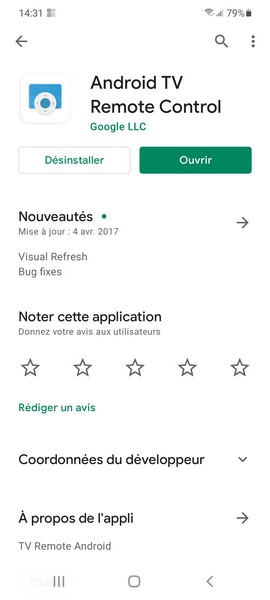
Connect with freebox player: as easy as pie
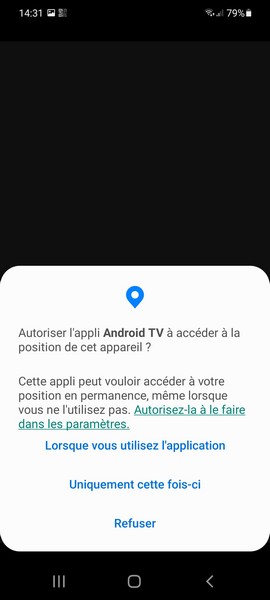
When starting the app for the first time, the user needs to check some permissions.
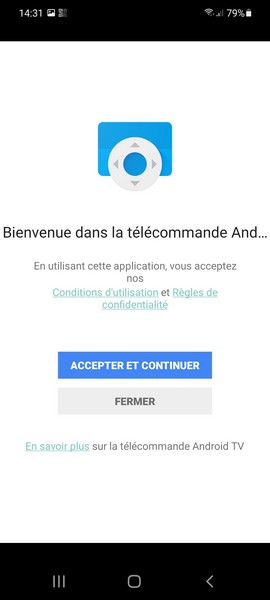
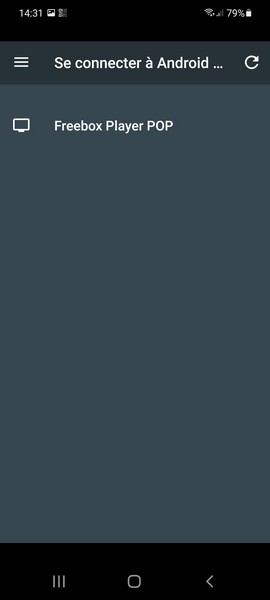
The discovery of the Freebox player comes with the need to connect the smartphone to the same WiFi network.
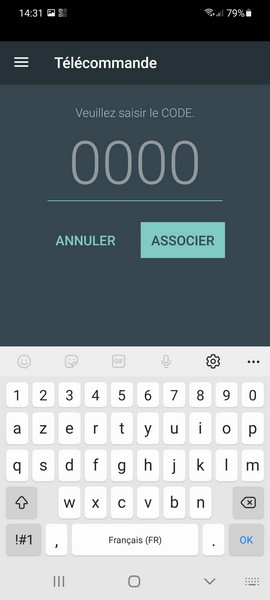
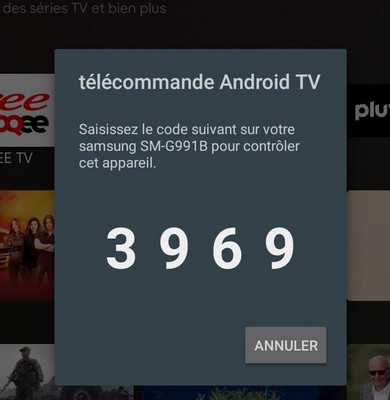
The association involves entering the four-digit code displayed on the screen.
Interface: Simple and efficient
Once the connection is established, the remote control will operate.
The interface goes straight to the point and is intuitive
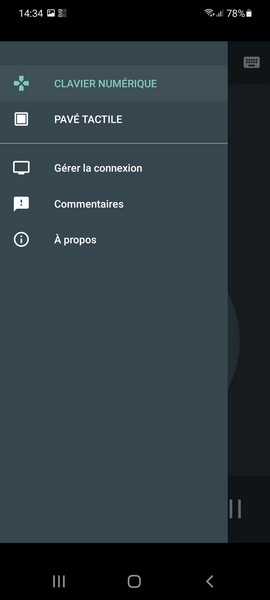
A hamburger menu in the upper left allows you to navigate between the remote control and the touchpad.
A button in the middle with the microphone launches Google’s voice assistant, which uses the smartphone’s microphone.
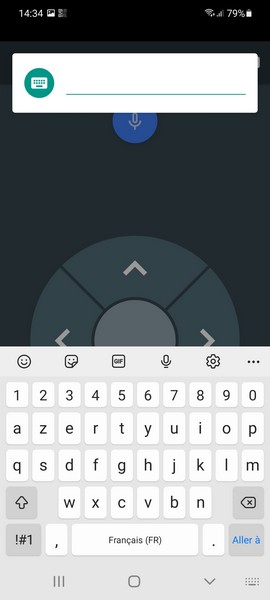
A button on the top right of the keyboard provides access to the virtual keyboard, which is very practical when entering a search for content or entering a login ID and password into a service.
In the middle is the navigation cross with its center check button and navigation arrows. You can also hold the touchpad as shown below, depending on the display mode.
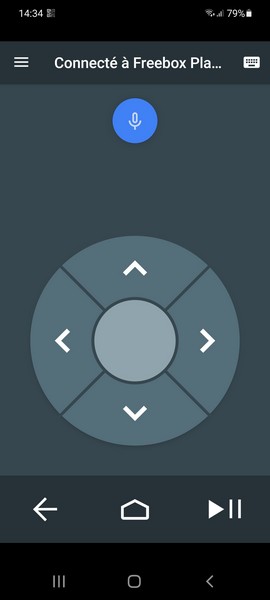
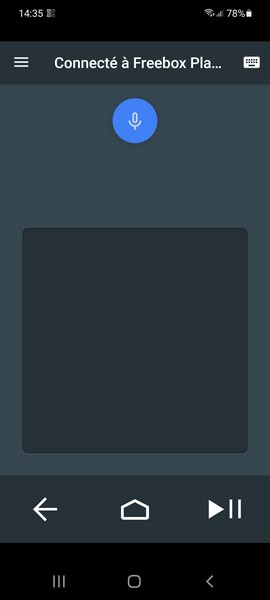
A navigation bar at the very bottom provides access to the back, home and game / pause buttons. Used especially when viewing third content.
One thing to note: we have no ads on the interface.
Verdict
Availability on Android and iOS, very simple connection, clear and intuitive interface, no practical functions and ads, Android TV Remote Control is one of the most practical and well-prepared applications to have on hand. So we highly recommend it.

Beatrice Ashford is a contributor at Nintendo-power.com, covering a wide range of topics including news, politics, business, technology, sport, entertainment, and lifestyle. She focuses on delivering clear, balanced reporting and useful information that helps readers stay informed about current events and emerging developments. Her work highlights stories that matter to everyday audiences, with an emphasis on accuracy, relevance, and accessible journalism that keeps readers connected to the issues shaping the world around them.